Very useful in business management, Microsoft Excel is software that allows you to perform calculations, analyze databases, and even create charts. As such, many companies have adopted it as a means of issuing invoices to their clients. Indeed, with Excel, you can easily create an invoice and enhance it with some well-placed formulas for customization. But how do you go about it? Discover some tips to achieve this.
Refer to downloadable invoice templates online
If you are a beginner or do not have proven knowledge in Excel to edit a proper invoice in Excel and comply with the relevant regulations, you can turn to the internet. Many websites offer free invoice templates that you can easily download and adapt to your needs. Apprendre Excel is one of the best sites that provides you with a free, easily downloadable, and fully editable invoice template. On the official site of Apprendre Excel, you will find not only the invoice template but also a set of rules defined by the Ministry of Economy that you must follow when customizing your invoice. Also, follow the site’s news on Facebook, Twitter, and Google+ regarding tutorials, courses, and tips to better understand Excel.
You can therefore rely on the tips and courses offered by Apprendre Excel to gain confidence and be able to design your invoices yourself next time.
Designing an invoice in Excel yourself
You have two options. The first, similar to the previously mentioned case, involves designing your invoice using the Office templates available in Excel, and the second consists of creating the invoice from a blank spreadsheet.
- Choose an invoice template offered by Office
For all versions of Excel, you will find invoice templates that you can adapt to your needs. Indeed, from your software, access all the invoices offered by Microsoft Office. Make your choice and start working on it. There’s not much to do, apart from filling in the sections reserved for customizing your invoice. To do this, update the title of your invoice. It should include information such as the name of your company, the date and invoice number. Next, define the sender’s and recipient’s addresses. Now insert the billing information (Description of products and prices); since this is a template, the totals will display as you enter the quantities. And there you go! Your invoice is ready. You just need to print it and send it to the client.
- Creating the invoice from a blank spreadsheet
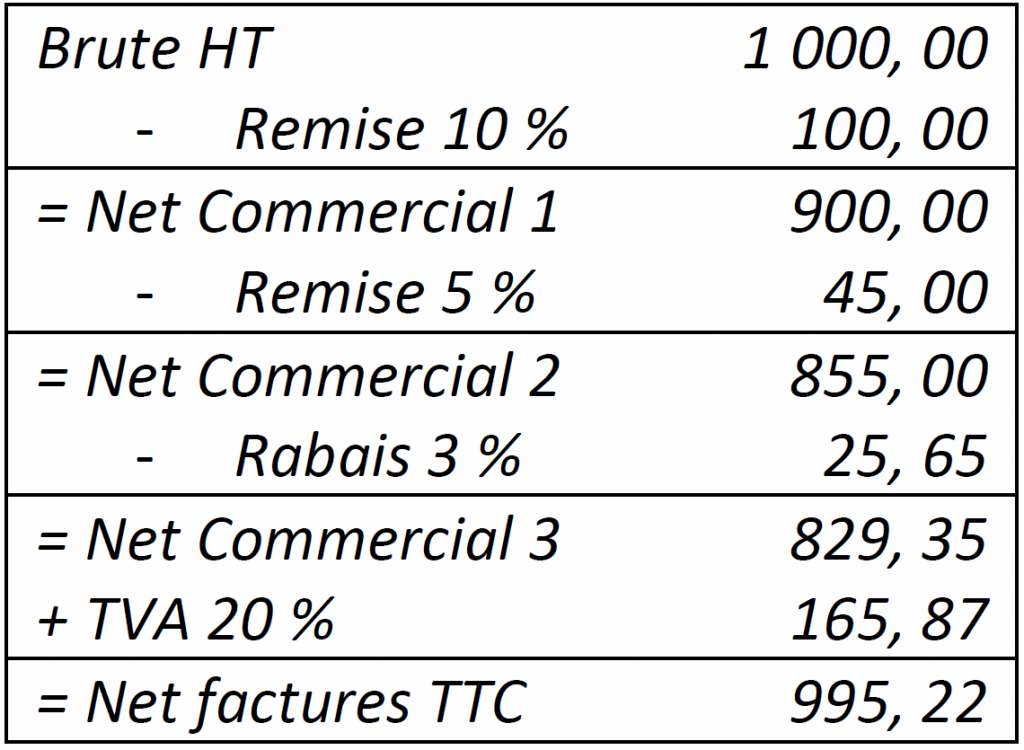
With your knowledge of Excel, you can start from a blank spreadsheet. The header should be set up first, followed by the body of the invoice. The difference between this design and the previous one is that you implement the calculation formulas in your invoice yourself. So remember to incorporate formulas to automate the invoice. You will then directly obtain the subtotals, the amount excluding tax, the VAT amount, and the total amount of your invoice.